


Nexter Pro Bundle with Original License | One Time Payment for Lifetime Updates
Introducing the Nexter Pro Bundle, the ultimate solution for WordPress website building. This comprehensive package includes Nexter Theme Pro, Nexter Extension Pro, and Nexter Blocks Pro, providing you with all the tools you need to create stunning, dynamic, and high-performance websites.
Key Features:
- Nexter Theme Pro: A versatile and powerful WordPress theme built with pure Vanilla JS and no jQuery, ensuring fast loading times and a smooth user experience. With over 90 customizable Gutenberg blocks and SEO-optimized code, Nexter Theme Pro allows you to design without limits and improve your website's search engine rankings.
- Nexter Extension Pro: Enhance your website's functionality with advanced features such as custom headers, footers, archive pages, code snippets, and more. Nexter Extension Pro provides a streamlined management process, offering conditional visibility rules, Google reCAPTCHA integration, and custom font uploads for a professional and secure site.
- Nexter Blocks Pro: A comprehensive collection of over 90 Gutenberg blocks, allowing you to create visually stunning and engaging web pages effortlessly. From essential elements like buttons and image galleries to creative features like flipboxes and animated icons, Nexter Blocks Pro provides the tools needed to captivate your audience.
Whitelabel Feature: Customize and brand your theme and plugins with the Whitelabel feature, enabling you to present a fully branded experience to your clients without any mention of the original product.
With the lifetime official license, you not only gain access to lifetime updates but also the confidence that you’re using a trusted, legitimate solution.
We don’t hand over a license key (this being an installation service) yet you will benefit from the manual installation of the plugin and original license on your website so you can get automatic updates for the product's lifetime.
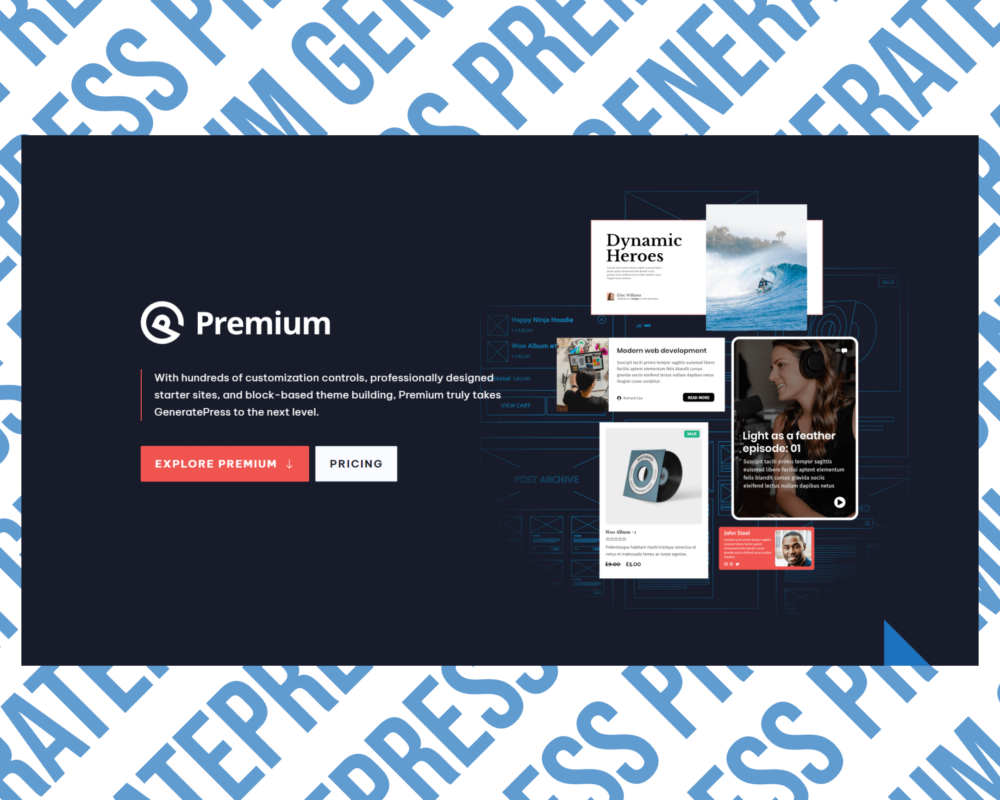
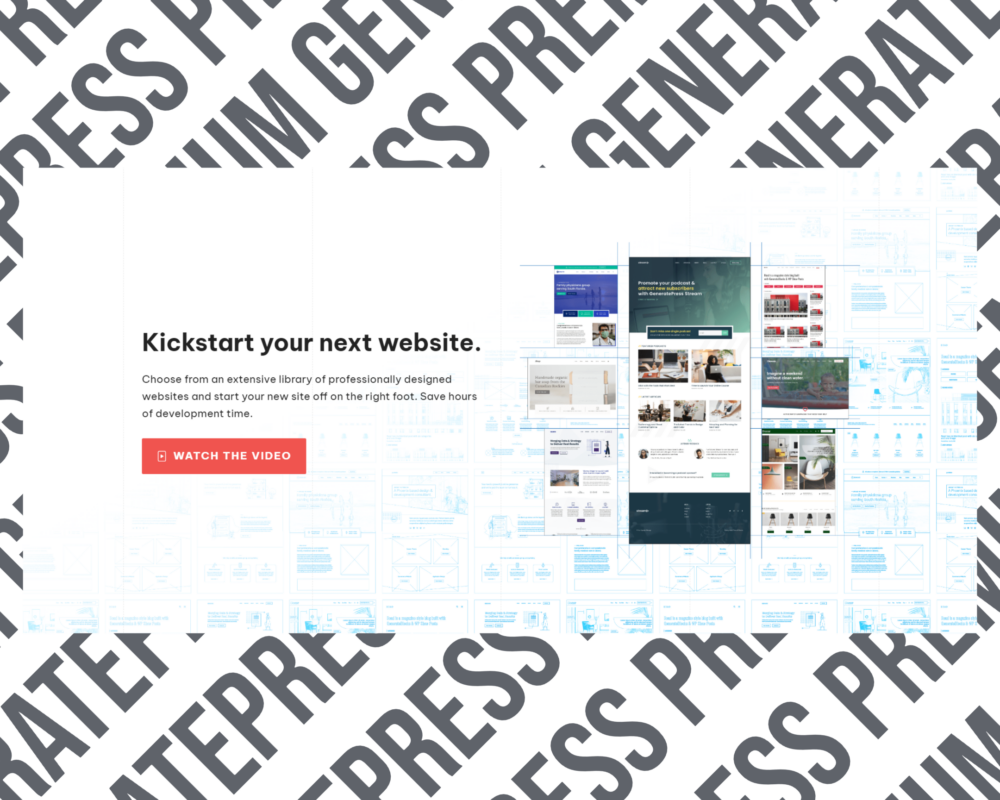
GeneratePress Premium Theme | Original License | One Time Payment | Lifetime Updates
Accelerate your workflow with GeneratePress Premium. With hundreds of customization controls, professionally designed starter sites, and block-based theme building, Premium truly takes GeneratePress to the next level.
GeneratePress is hands down the best theme to use if you care about performance while not sacrificing usability and design. Here are the most important GeneratePress Premium features:
- Multipurpose approach
- Performance optimization and clean code
- Flexible options in the real-time WordPress Customizer
- Page-level controls
- 80+ importable demo sites
- GeneratePress Elements for custom layouts
- Full theme building support with GenerateBlocks
With the lifetime official license, you not only gain access to lifetime updates but also the confidence that you’re using a trusted, legitimate solution.
We don’t hand over a license key (this being an installation service) yet you will benefit from the manual installation of the plugin and original license on your website so you can get automatic updates for the product's lifetime.


Kadence WP Pro Full Bundle | Original License | One Time Payment | Lifetime Updates
Effortlessly build fast & beautiful websites in minutes. Kadence WP Pro is built from the ground up for lightning-fast performance, yet filled with modern features that will make building websites fun again.
Create and customize professionally designed websites in minutes with no compromises on performance, zero limits on what you can design.
What's included in the Kadence WP PRO Full Bundle:
- Kadence Blocks Pro - Get powerful page building for WordPress. Build any layout you can dream up.
- Kadence Custom Fonts - Easily add custom fonts to your site and assign them through the theme options panel.
- Kadence Starter Templates - No code, ready-to-use starter site templates for Gutenberg and Elementor. Find a template that you love, then make it your own.
- Kadence Shop Kit - Extends WooCommerce with 15 modules that you can enable to make more effective e-commerce stores.
- Kadence Conversions - Lets you build conversion elements that can be displayed on your site as well as track the performance of those conversion.
- Pattern Hub - Host your own library of your favorite content. Browse your library and drop it into any of your websites with a click.
- Kacence ReCaptcha - Optionally adds Google’s reCAPTCHA or Cloudflare Turnstile to the WordPress comments form, to the WooCommerce Reviews form, or to login screens.
With the lifetime official license, you not only gain access to lifetime updates but also the confidence that you’re using a trusted, legitimate solution.
We don’t hand over a license key (this being an installation service) yet you will benefit from the manual installation of the plugin and original license on your website so you can get automatic updates for the product's lifetime.


Eduma Education WordPress Theme | Original License | One Time Payment | Lifetime Updates
Elevate your educational website with Eduma, a premium WordPress theme designed specifically for schools, universities, online courses, and educational institutions. Eduma makes creating engaging and interactive learning platforms effortless, even without coding knowledge.
Experience the future of online education with Eduma—where functionality meets elegance and start building your educational website today. Create a professional, engaging, and interactive educational website effortlessly. Inspire learners worldwide and provide them with an exceptional online learning experience.
Here are the most important features of the Eduma Education Theme:
- LearnPress LMS Integration - Fully compatible with LearnPress LMS plugin to create, manage, and sell online courses easily.
- Pre-designed Demos & Customization - One-click import of pre-built demos. Customize layouts, colors, and fonts using drag-and-drop builders like Elementor and WPBakery.
- WooCommerce Support - Monetize your website by selling courses and educational materials. Supports multiple payment gateways for secure transactions.
- Community Building Tools - Integrates with BuddyPress and bbPress for social networking features like user profiles, groups, and forums.
- SEO & Performance Optimized - Fast-loading and SEO-friendly design to enhance user experience and improve search engine rankings.
With the lifetime official license, you not only gain access to lifetime updates but also the confidence that you’re using a trusted, legitimate solution.
We don’t hand over a license key (this being an installation service) yet you will benefit from the manual installation of the plugin and original license on your website so you can get updates for the product's lifetime.
NOTE: automatic updates for this product are unavailable; the latest version installation is provided upon request.


Zion Builder Pro | Original License | One Time Payment | Lifetime Updates
Zion Builder Pro is the ultimate WordPress page builder that gives you full control over every design element. With an intuitive drag-and-drop visual editor, advanced theme builder tools, dynamic content features, and a vast library of pro blocks and templates, you can craft personalized headers, footers, product pages, and more—all without writing a single line of code.
Zion Builder Pro isn’t just a page builder—it’s a complete design ecosystem that transforms how WordPress websites are built and managed. Whether you’re optimizing an existing site or crafting a new digital experience, Zion Builder Pro empowers you to push creative boundaries while ensuring efficient, high-performance results.
Zion Builder Pro Delivers Five Game-Changing Features:
- Pro Blocks Library: Unlock a wide array of sophisticated layout blocks and widgets to create bespoke, engaging pages effortlessly.
- Advanced Theme & Header/Footer Builder: Design pixel-perfect, custom headers, footers, and entire page layouts that perfectly reflect your brand.
- Dynamic Content Integration: Seamlessly merge live data and custom fields into your designs for a personalized, interactive user experience.
- Global Styling Tools: Maintain visual consistency across your website with flexible settings for colors, fonts, and gradients.
Multimedia & Icon Customization: Enhance your site’s appeal by embedding custom icons, fonts, and multimedia elements for a rich, interactive design.
With the lifetime official license, you not only gain access to lifetime updates but also the confidence that you’re using a trusted, legitimate solution.
We don’t hand over a license key (this being an installation service) yet you will benefit from the manual installation of the plugin and original license on your website so you can get automatic updates for the product's lifetime.


GreenShift All In One with Original License | One Time Payment for Lifetime Updates
Greenshift is a cutting-edge WordPress plugin designed to revolutionize your website building experience. With a comprehensive all-in-one pricing model, Greenshift offers unmatched value by bundling powerful features and tools to create stunning, dynamic, and high-performance websites with ease.
With Greenshift All-In-One you gain access to the full suite of Greenshift's features and tools with a single, straightforward pricing plan. No hidden costs or add-ons—just everything you need in one package.
Key Features of GreenShift All in One:
- Page Builder and Animation Builder: Create beautiful elements and animations directly on the page with Greenshift's intuitive page builder and animation builder. Leverage the built-in animation framework with lightweight CSS transitions and the high-performance GSAP animation library to create complex animations effortlessly.
- Extremely Fast - No Dependencies: Utilizing unique conditional asset loading, Greenshift ensures that only the necessary styles and scripts are loaded, resulting in lightning-fast load times. Moreover, GreenShift doesn't load any unnecessary files, ensuring optimal performance without global files, jQuery, fonts, or icon libraries.
- Full Site Editing Support: Customize everything directly on the page without any coding knowledge, thanks to Greenshift's full support for Full Site Editing.
- Over 50 Complete Blocks: Quickly build websites with a wide range of blocks, design options, ready-made templates, animations, style presets, and more.
Advanced Design Options: Customize colors, typography, and other design elements with one click, using local or global presets to create custom styles.
With the lifetime official license, you not only gain access to lifetime updates but also the confidence that you’re using a trusted, legitimate solution.
We don’t hand over a license key (this being an installation service) yet you will benefit from the manual installation of the plugin and original license on your website so you can get automatic updates for the product's lifetime.

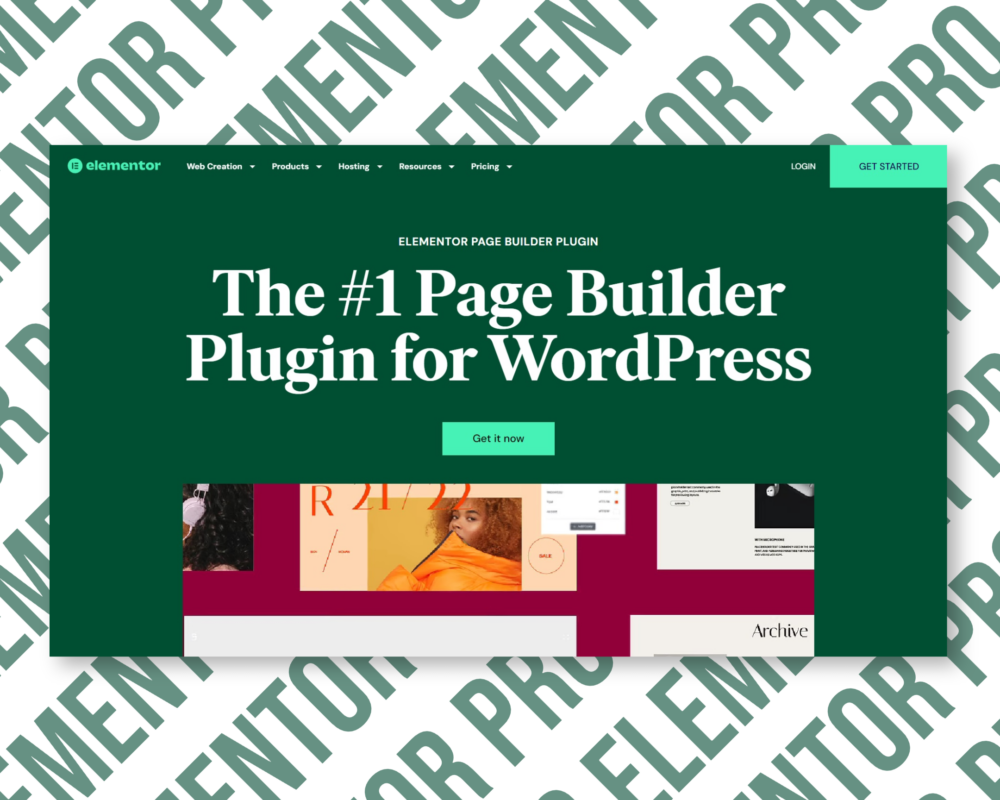
Elementor Pro with Original License Activation | One-Time Payment and Lifetime Updates
Elementor Pro Page Builder Plugin is a dynamic website builder that empowers you to create beautiful, professional websites without any coding knowledge. With its intuitive drag-and-drop interface, you can effortlessly move elements around the page, customize text and images, add new sections or blocks, and more.
Elementor Pro’s extensive library of widgets allows you to enhance your site with additional features like sliders, Google Maps, contact forms, and much more with just a few clicks.
With this purchase you receive all Elementor Pro Advanced Solo/ Agency features, including:
- 86 Pro Widgets - Access a wide range of professional widgets to enhance your site's design and functionality.
- Theme Builder - Create custom themes and layouts with a drag-and-drop interface.
- Dynamic Content - Display content that changes based on user interactions or other conditions.
- Form Builder - Easily create and manage forms for user submissions.
- Popup Builder - Design and implement engaging popups to capture leads or promote offers.
- Custom Code & CSS - Add custom code and CSS to further customize your site.
- Ecommerce Features - Integrate and manage eCommerce functionalities seamlessly.
Collaborative Notes - Work with team members by adding notes and comments directly within the editor.
With the lifetime official license, you not only gain access to lifetime updates but also the confidence that you’re using a trusted, legitimate solution.
We don’t hand over a license key (this being an installation service) yet you will benefit from the manual installation of the plugin and original license on your website so you can get automatic updates for the product's lifetime.
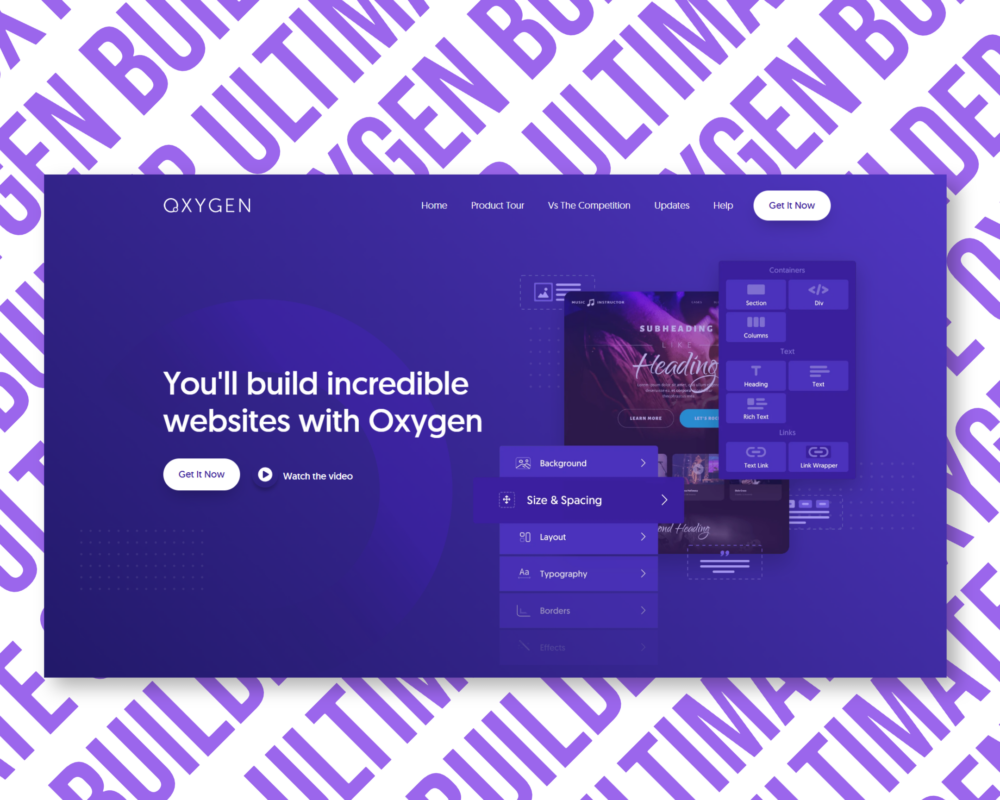
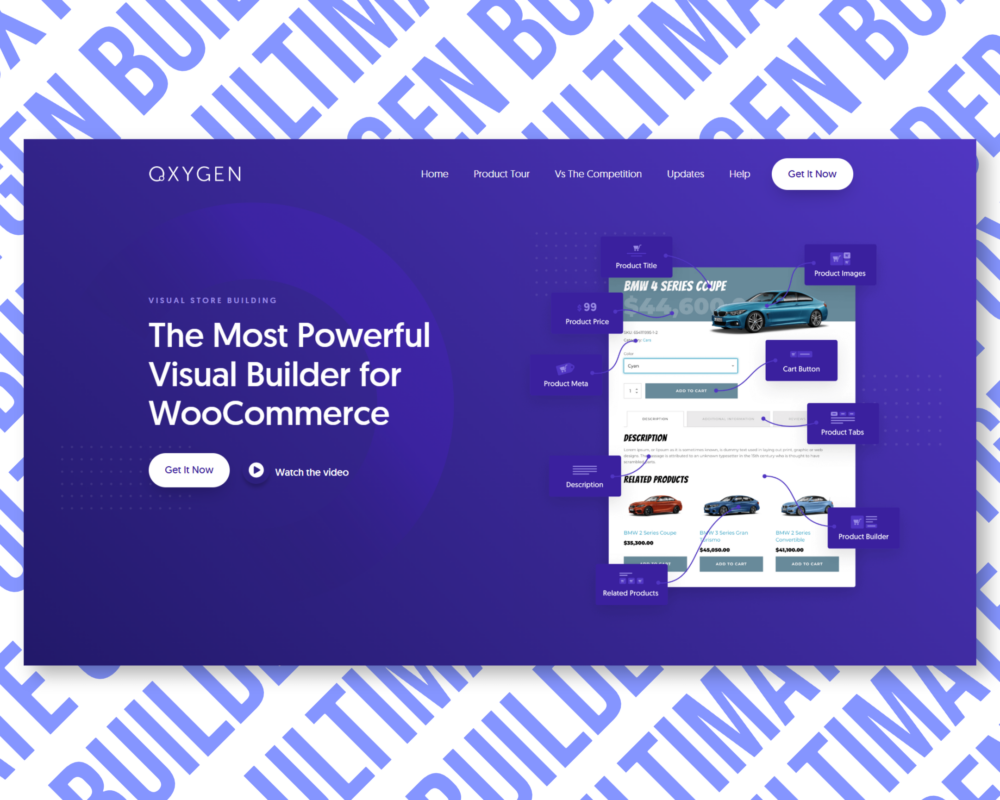
Oxygen Builder Ultimate | Original License | One Time Payment | Lifetime Updates
- WooCommerce Integration - With over 20 highly configurable WooCommerce elements, there is no limit to what you can create
- Gutenberg Block Builder - Just like designing a page, anything you design in Oxygen can be used as a Gutenberg block.
- Simplified Client UI - Edit Mode reduces the Oxygen UI to only the most basic required features for content editors.
- Composite Elements - A Powerful Library of Customizable, Pre-Built Elements
With the lifetime official license, you not only gain access to lifetime updates but also the confidence that you’re using a trusted, legitimate solution.
We don’t hand over a license key (this being an installation service) yet you will benefit from the manual installation of the plugin and original license on your website so you can get automatic updates for the product's lifetime.
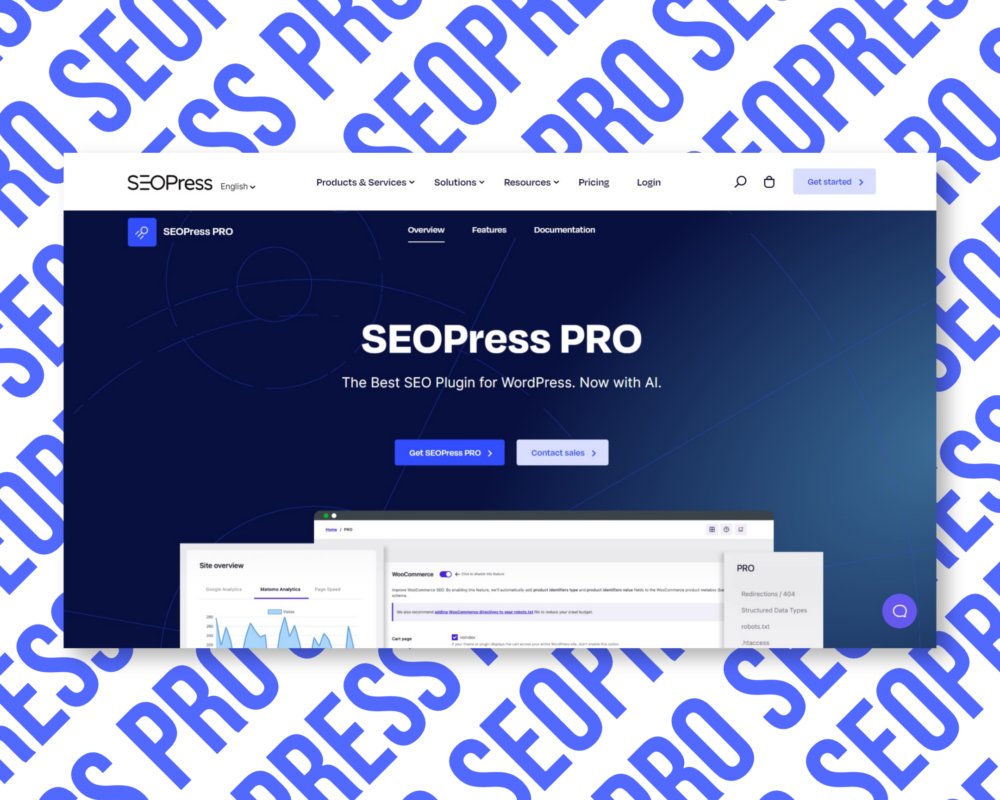
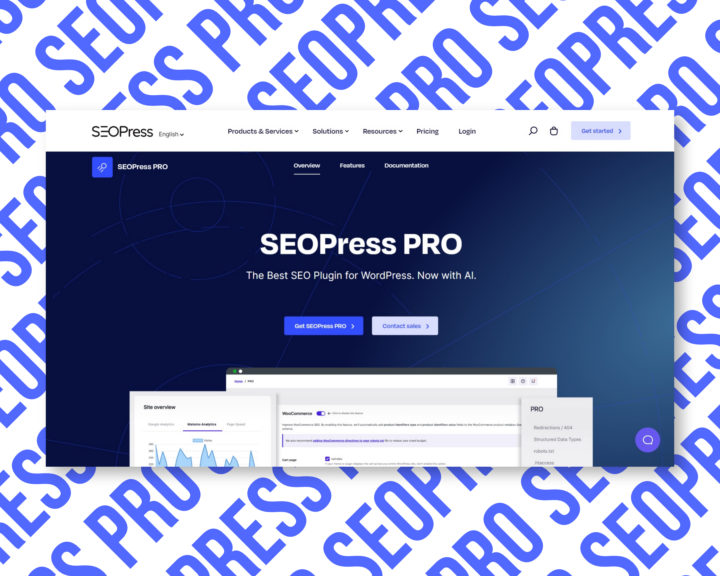
SEOPress PRO Lifetime | Original License | One Time Payment | Lifetime Updates
SEOPress Pro is a popular WordPress SEO plugin that helps website owners optimize their website for search engines.
SEOPress PRO is the most affordable premium WordPress SEO plugin on the market.
Why you should buy SEOPress Pro:
- On-Page Optimization: SEOPress Pro provides a range of on-page optimization features, such as meta tags, sitemaps, and schema markup, to help search engines understand the content and structure of your website.
- Content Analysis: SEOPress Pro includes a content analysis tool that helps you optimize your content for target keywords, with recommendations for improving readability, keyword density, and more.
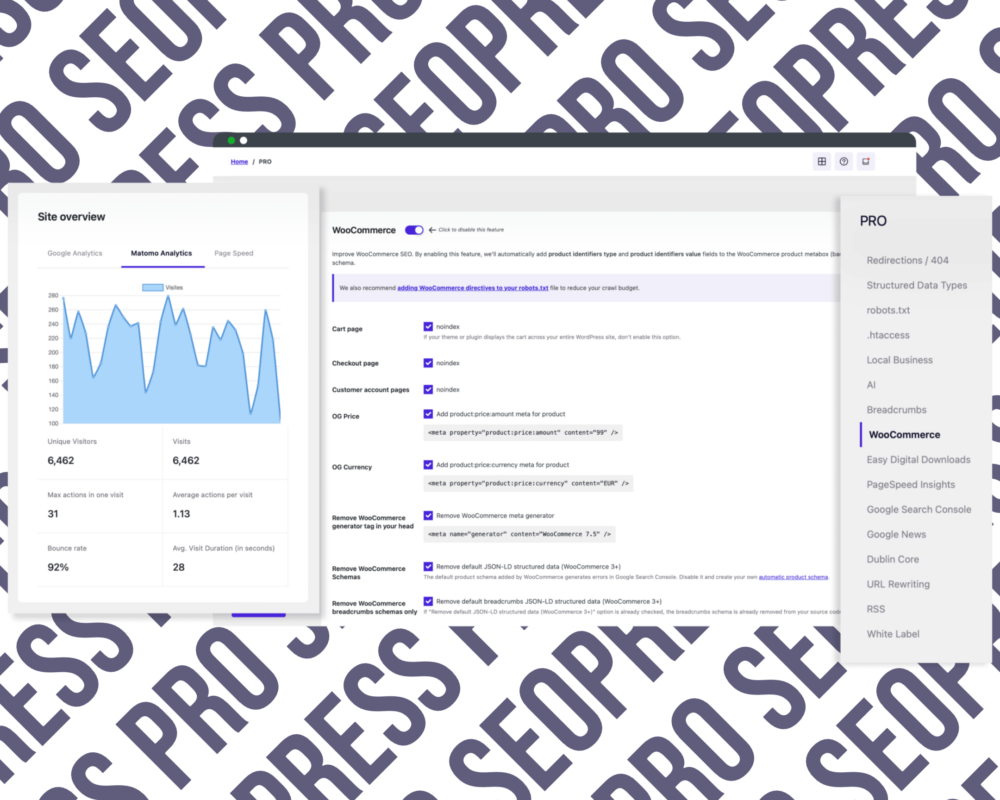
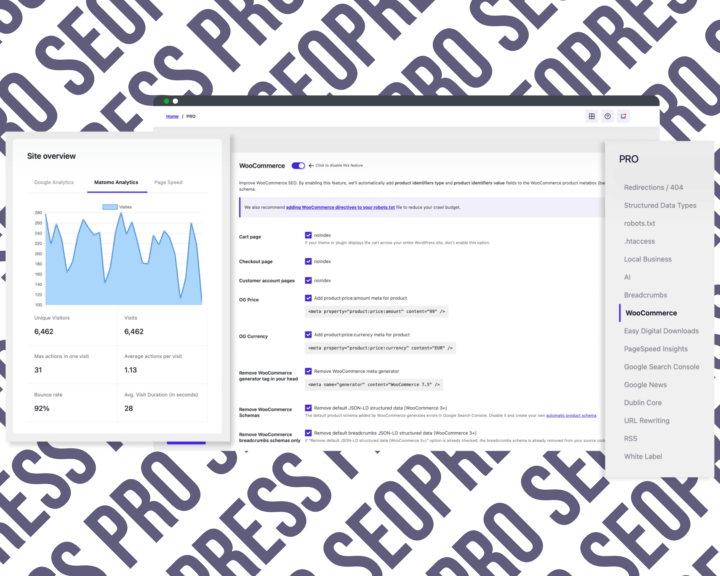
- WooCommerce Integration: SEOPress Pro includes integration with WooCommerce, allowing you to optimize your product pages and categories for search engines.
- Advanced Analytics: SEOPress Pro includes advanced analytics features, such as Google Analytics integration and support for custom tracking codes, to help you monitor your website’s performance and make data-driven decisions.
- Import/Export: SEOPress Pro includes import/export functionality, making it easy to transfer settings and data between different WordPress installations.
With the lifetime official license, you not only gain access to lifetime updates but also the confidence that you’re using a trusted, legitimate solution.
We don’t hand over a license key (this being an installation service) yet you will benefit from the manual installation of the plugin and original license on your website so you can get automatic updates for the product's lifetime.
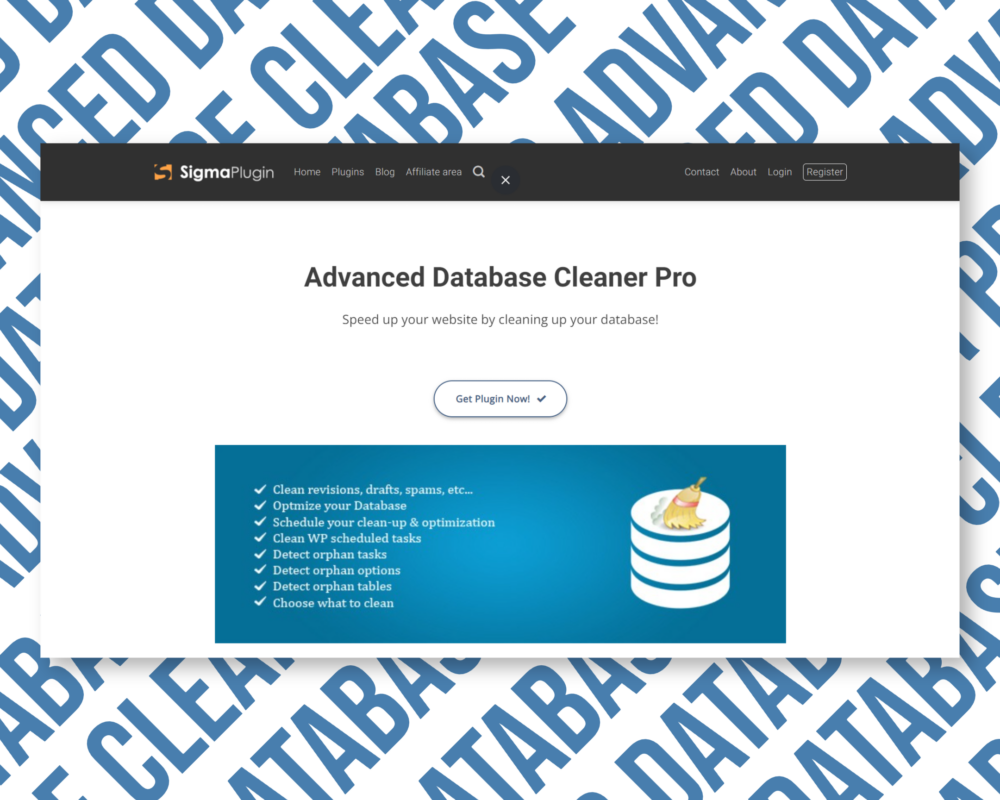
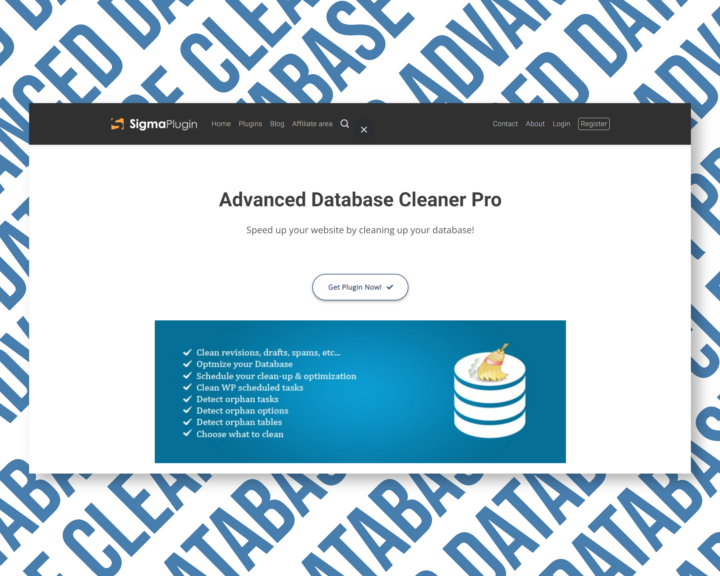
Advanced Database Cleaner Pro Plugin | Original License | One Time Payment | Lifetime Updates
Speed up your website by cleaning up your database with Advanced Database Cleaner Pro.
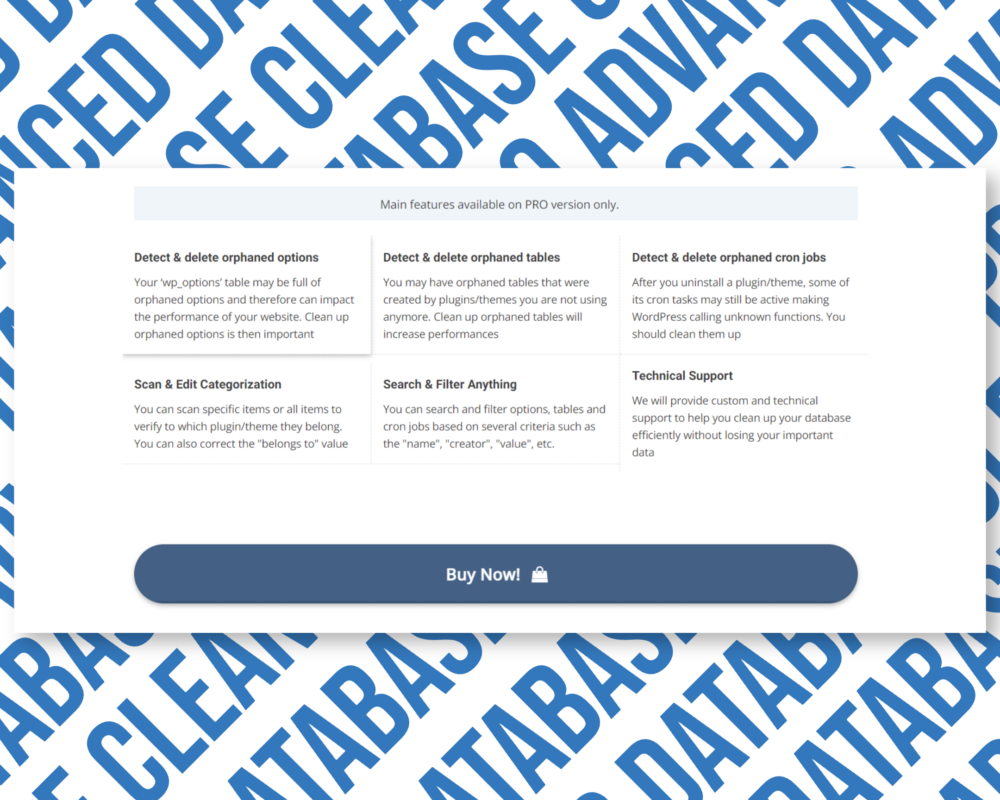
The Pro version of Advanced Database Cleaner will help you remove all those leftovers remaining after deleting a plugin/theme from your WordPress website and perform a deep database clean up and optimization:
- Clean up Posts Table - Delete old revisions of posts and pages, delete old auto drafts & delete trash posts.
- Reduce DB size - By deleting unused/orphaned items, you will save space in your database and make quicker backups since the file of your backup will be smaller
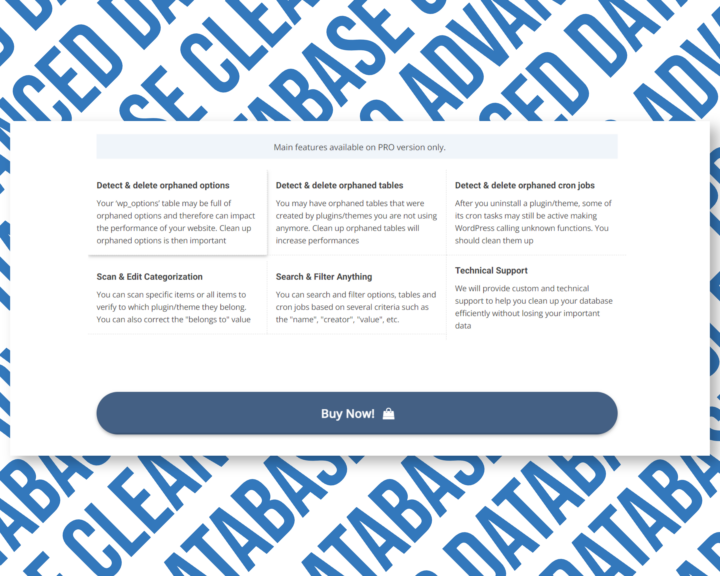
- Detect & delete orphaned tables - You may have orphaned tables that were created by plugins/themes you are not using anymore. Clean up orphaned tables will increase performance
- Detect & delete orphaned cron jobs - After you uninstall a plugin/theme, some of its cron tasks may still be active making WordPress calling unknown functions.
- Clean up Expired Transients - Expired transients are temporary options that should not exist in your database since they are expired
With the lifetime official license, you not only gain access to lifetime updates but also the confidence that you’re using a trusted, legitimate solution.
We don’t hand over a license key (this being an installation service) yet you will benefit from the manual installation of the plugin and original license on your website so you can get automatic updates for the product's lifetime.


WP Compress Starter Plan | Lifetime Deal | Original License Key | One Time Payment
We don’t hand over a license key (this being an installation service) yet you will benefit from the manual installation of the plugin and original license on your website so you can get automatic updates for the product's lifetime.


Imagify Pro (Infinite) Image Optimiser | Original License | One Time Payment | Lifetime Updates
Imagify Pro (Infinite) is a WordPress plugin designed to optimize images on your website, thereby reducing their size and improving your site’s performance.
With Imagify Infinite Lifetime, you receive:
- Automatic Image Optimization - Imagify Pro automatically optimizes all of the images on your website, ensuring that they are compressed and resized for optimal performance.
- Bulk Optimization - Imagify Pro allows users to optimize all of their images at once, saving time and effort.
- Multiple Compression Levels - Imagify Pro offers three levels of compression for users to choose from, depending on their specific needs and preferences.
- WebP/ Avif Conversion - Imagify Pro can convert your images to the WebP or Avif formats, which is known for their small file size and high quality.
With the lifetime official license, you not only gain access to lifetime updates but also the confidence that you’re using a trusted, legitimate solution.
We don’t hand over a license key (this being an installation service) yet you will benefit from the manual installation of the plugin and original license on your website so you can get automatic updates for the product's lifetime.
All-in-One WP Migration Premium – Unlimited Extension Add-on | Original License | One Time Payment | Lifetime Updates
The All-in-One WP Migration plugin is designed to be user-friendly and efficient, making it easy for users to backup and migrate WordPress sites with confidence.
The All-in-One WP Migration Premium lets you make quick, easy, and reliable migrations even for large WordPress Sites.
What makes All-in-One WP Migration Premium a great choice for Backup and Migration:
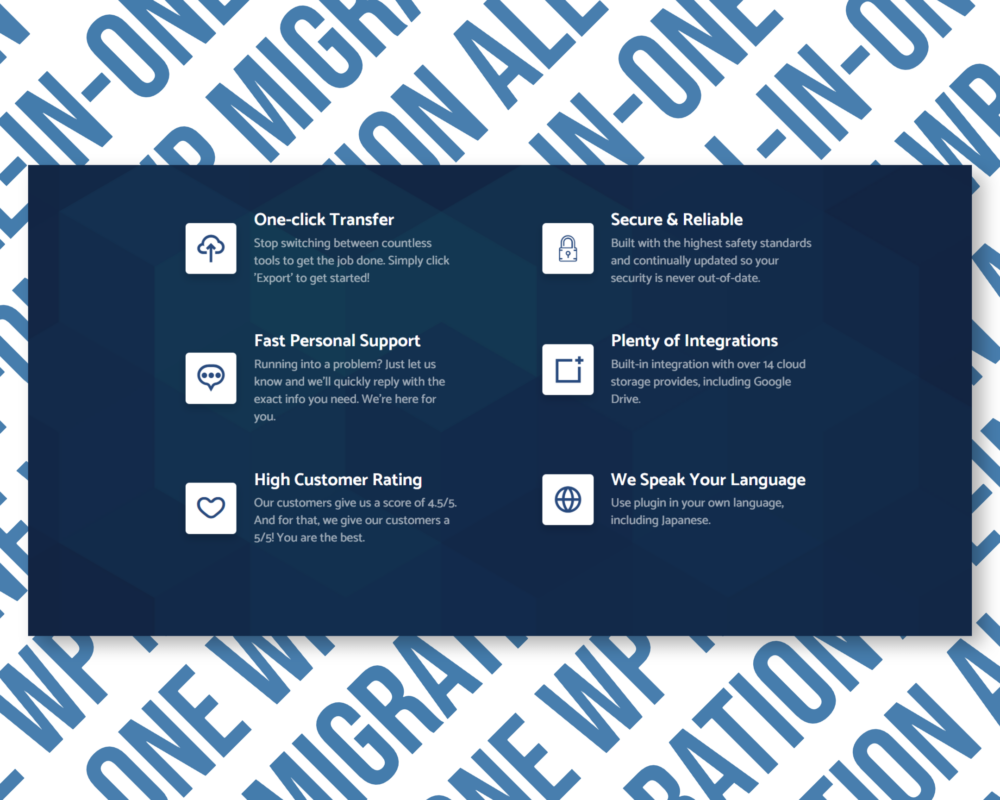
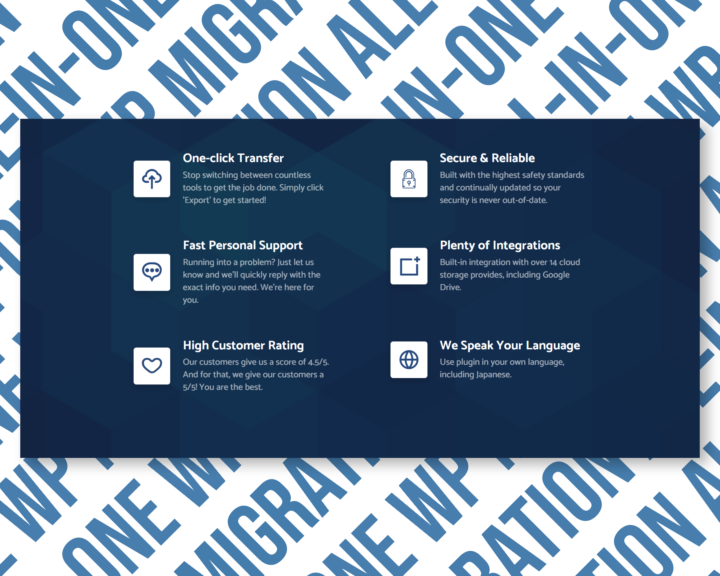
- One-click Transfer - Stop switching between countless tools to get the job done. Simply click 'Export' to get started!
- Secure & Reliable - Built with the highest safety standards and continually updated so your security is never out-of-date.
- Fast Personal Support - Running into a problem? Just let us know and we'll quickly reply with the exact info you need. We're here for you.
- High Customer Rating - Our customers give us a score of 4.5/5. And for that, we give our customers a 5/5! You are the best.
- We Speak Your Language - Use plugin in your own language, including Japanese.
With the lifetime official license, you not only gain access to lifetime updates but also the confidence that you’re using a trusted, legitimate solution.
We don’t hand over a license key (this being an installation service) yet you will benefit from the manual installation of the plugin and original license on your website so you can get automatic updates for the product's lifetime.


WP Security Ninja with Original License | One Time Payment | Lifetime Updates
We don’t hand over a license key (this being an installation service) yet you will benefit from the manual installation of the plugin and original license on your website so you can get automatic updates for the product's lifetime.
All-in-One WP Migration PRO with Original License Activation
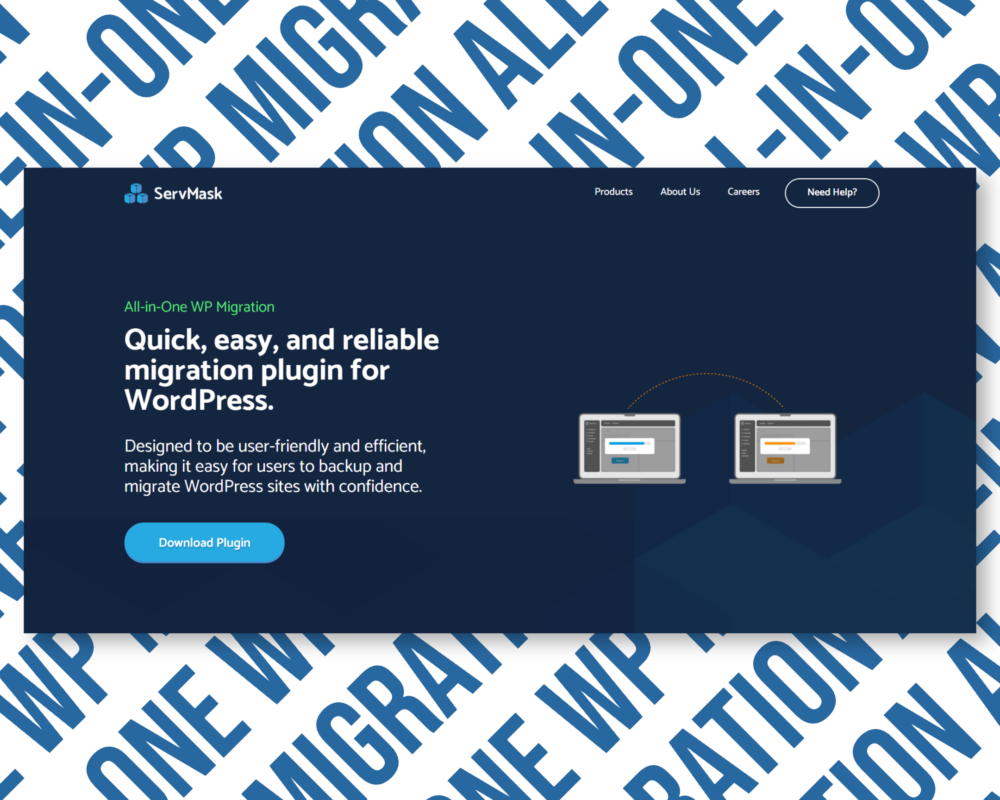
All-in-One WP Migration PRO is a Quick, easy, and reliable migration plugin for WordPress.
What makes All-in-One WP Migration PRO a great choice for Backup and Migration:
- One-click Transfer - Stop switching between countless tools to get the job done. Simply click 'Export' to get started!
- Secure & Reliable - Built with the highest safety standards and continually updated so your security is never out-of-date.
- Fast Personal Support - Running into a problem? Just let us know and we'll quickly reply with the exact info you need. We're here for you.
- Plenty of Integrations - Built-in integration with over 14 cloud storage provides, including Google Drive.
- High Customer Rating - Our customers give us a score of 4.5/5. And for that, we give our customers a 5/5! You are the best.
- We Speak Your Language - Use plugin in your own language, including Japanese.
Add-ons included in the bundle:
- Unlimited Extension - Increase the WordPress Upload Limit
- URL Extension - Import from a URL
- Google Drive Extension
- Dropbox Extension
- FTP Extension
- Amazon S3 Extension
- OneDrive Extension
- Box Extension
- and more...
With the lifetime official license, you not only gain access to lifetime updates but also the confidence that you’re using a trusted, legitimate solution.
We don’t hand over a license key (this being an installation service) yet you will benefit from the manual installation of the plugin and original license on your website so you can get automatic updates for the product's lifetime.


WP Login Lockdown with Original License | One Time Payment and Lifetime Updates
We don’t hand over a license key (this being an installation service) yet you will benefit from the manual installation of the plugin and original license on your website so you can get automatic updates for the product's lifetime.






 Ads & Affiliate
 Form Builders
 Management & Tools

 Bricks Add-ons
 Divi Add-ons
 Elementor Add-ons
 Oxygen Add-ons
 Gutenberg Add-ons
 Woocommerce Add-ons






































































































































Reviews
There are no reviews yet.